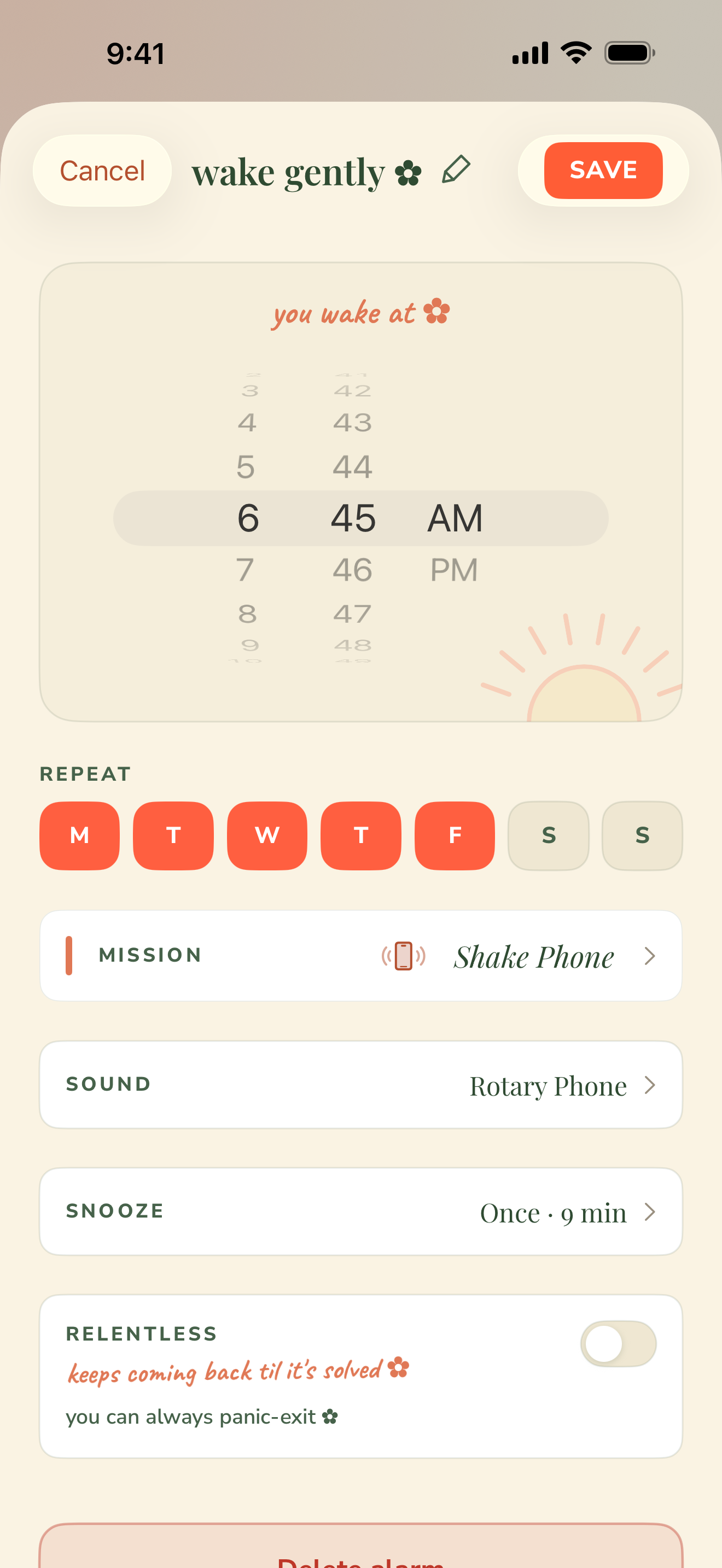
It won't stop ringing until you've actually done something — solve a problem, photograph your kettle, or shake the phone thirty times. You set the challenge the night before. There's no snooze you can cheat.
No snooze to cheat✿Photos discarded after each check✿No ads · no tracking✿Made in Minnesota
How it won't let you cheat
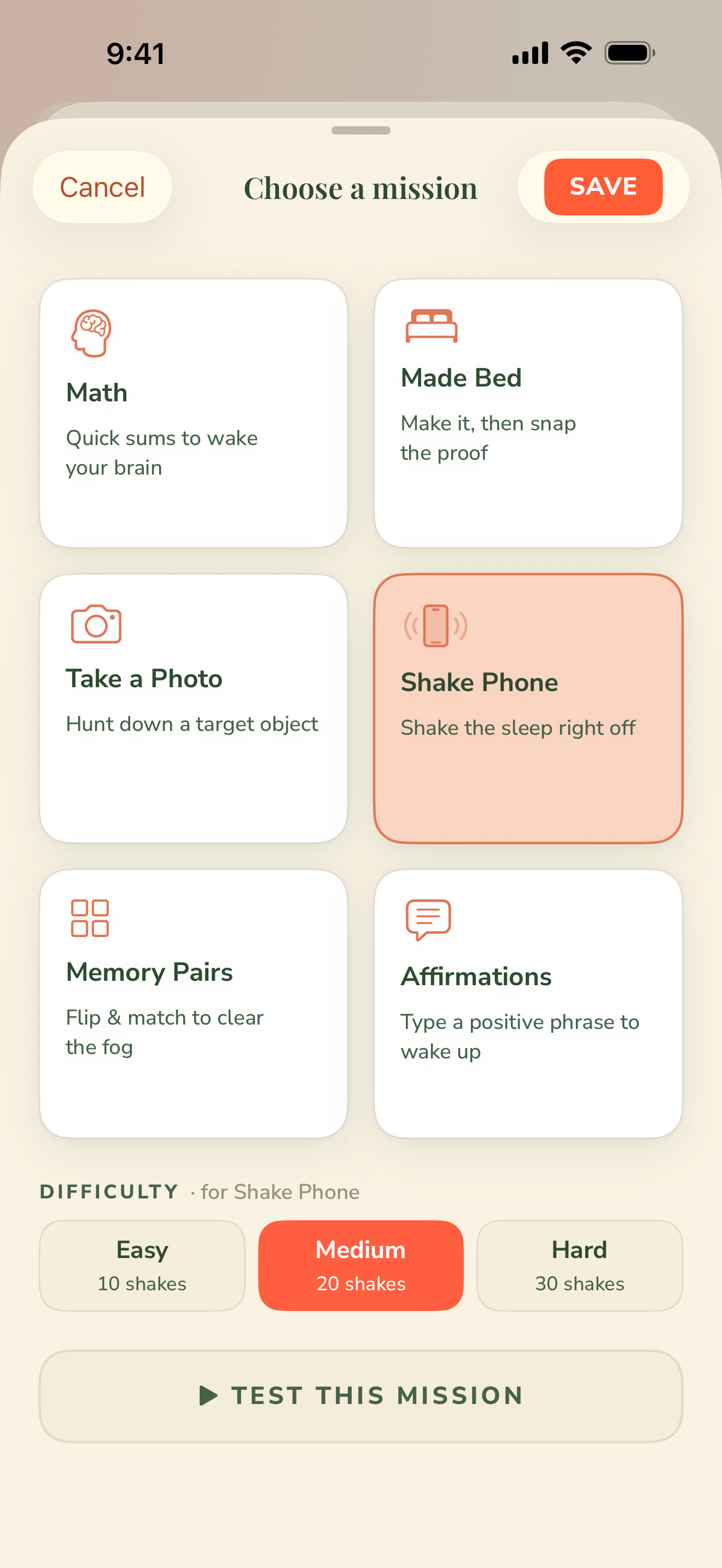
Pick a mission the night before. It checks your work.
Every alarm ends with a small task the app actually verifies. Choose one before bed — the difficulty locks in, so groggy-you can't dial it down.
Math
Solve arithmetic, number sequences, or a little algebra. The difficulty is locked the night before — no turning it down half-asleep.
Photo
Photograph a thing you pre-chose — your made bed, the kettle, your running shoes. Wake Boom checks the photo before it lets you dismiss. Discarded right after.
Shake
Shake the phone to a target count — thirty by default. Real motion only; tapping the screen doesn't count.
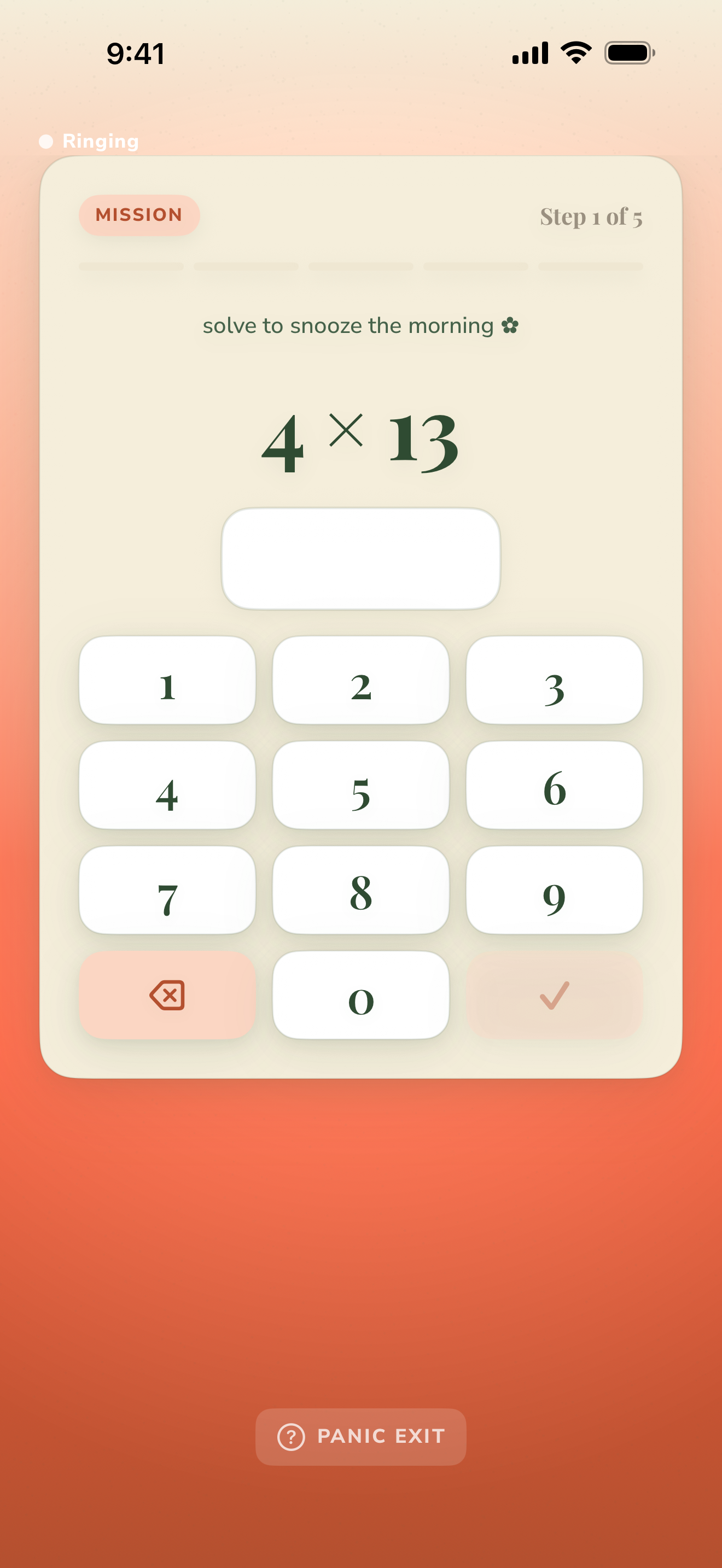
Missiontry it now
solve to wake up ✿
4×13
solved! ✿
4 × 13 = 52. that's the whole idea — now picture it at 6am.
not quite — try again ✿
No keypad tricks. The answer has to be right before the ringing stops.
Two ways to wake
Mild, or relentless.
Set it per alarm. Some mornings need a nudge; some need to be dragged into daylight.
Mild
a small ask ✿
A single two-digit addition with a gentle sixty-second fade-in. For mornings you'll get up on your own — it just needs to ask nicely. A small ask, a clean exit.
✓One 2-digit addition
✓60-second volume fade-in
✓Solve once, and you're out
Relentless
no cheating ✿
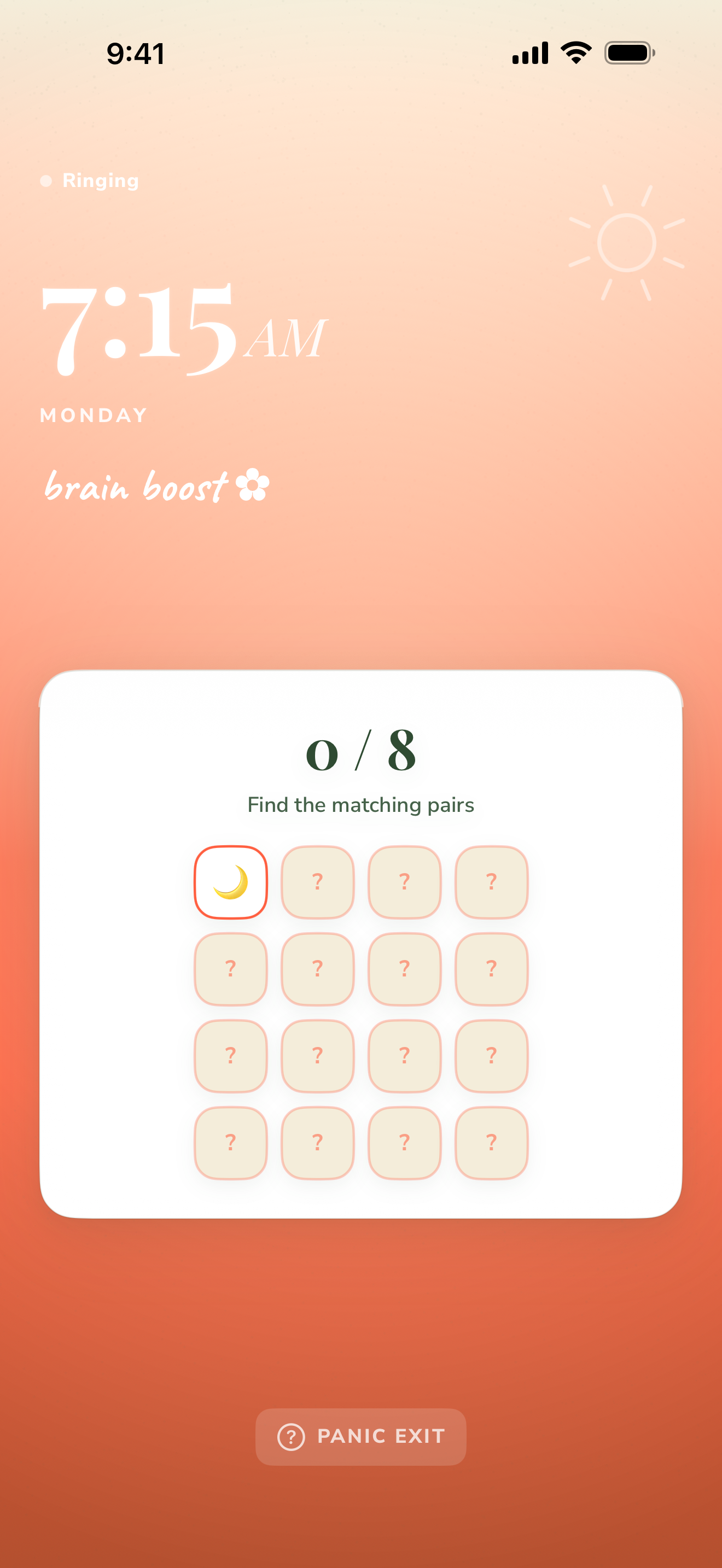
Escalating, multi-step challenges — math, then photo, then shake — that keep coming back every ~15 seconds until you're genuinely up and out of bed.
✓Chained missions, escalating
✓Returns every ~15 seconds
✓Panic-exit is always there
safety first — every ringing screen has a Panic Exit. Wake Boom will never trap you.
Why it's different
Built like a promise to your future self.
01
Craft
Tested by the people who built it, at 6am. If a mission annoys us, it doesn't ship.
02
Care
An alarm is a promise to your future self. We treat it that way — from the fade-in curve to the panic-exit.
03
Clarity
No ads, no feed, nothing sold to advertisers. Wake Boom does one job: getting you up.
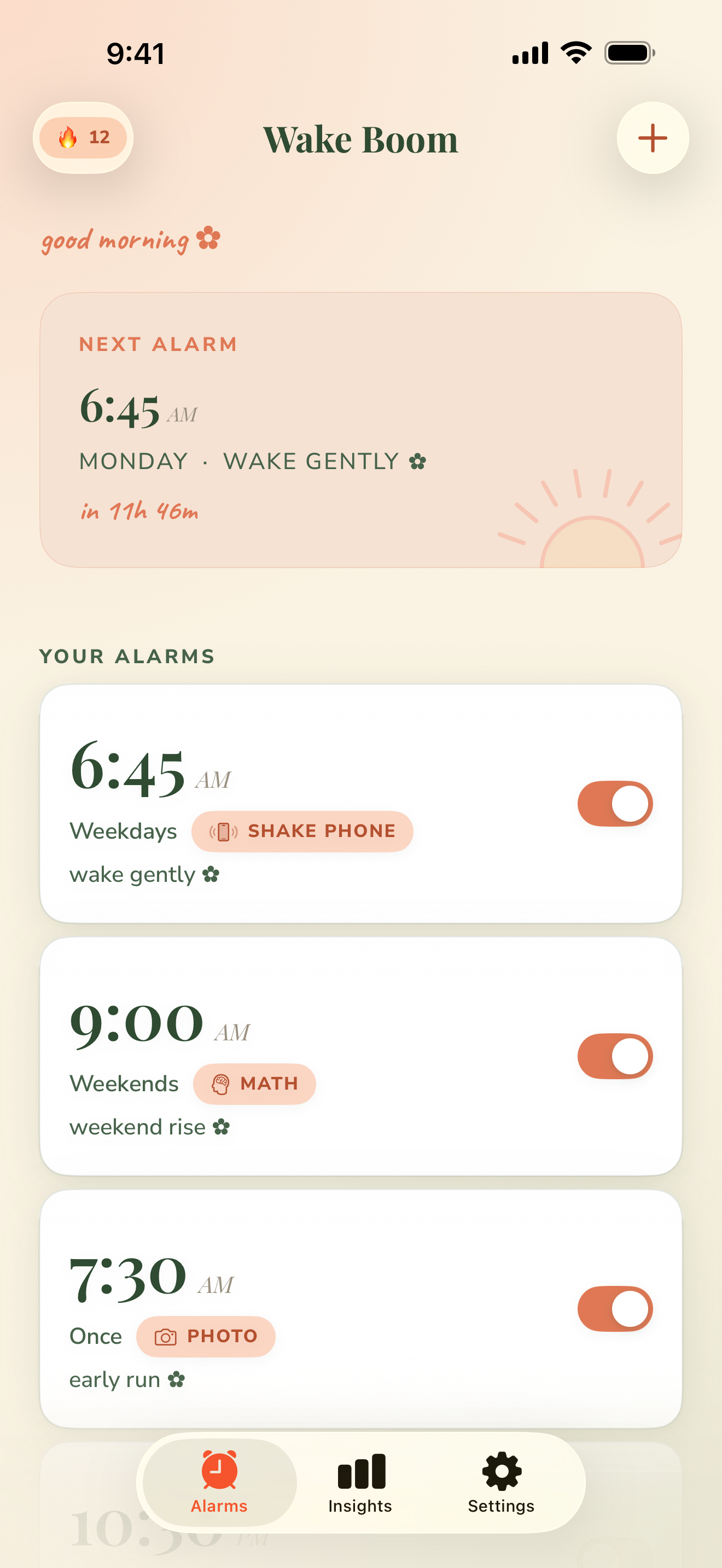
A look inside
Warm on the eyes. Ruthless about mornings.
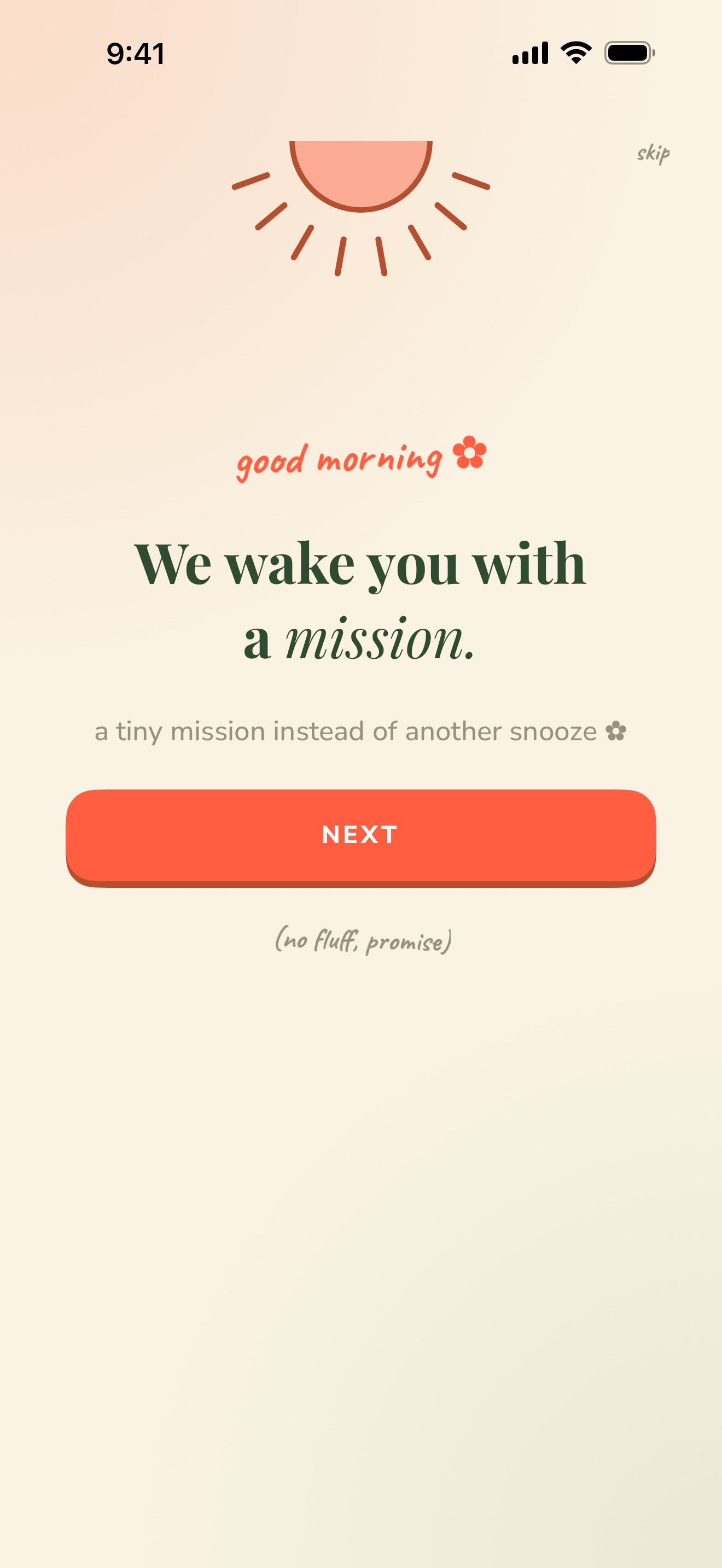
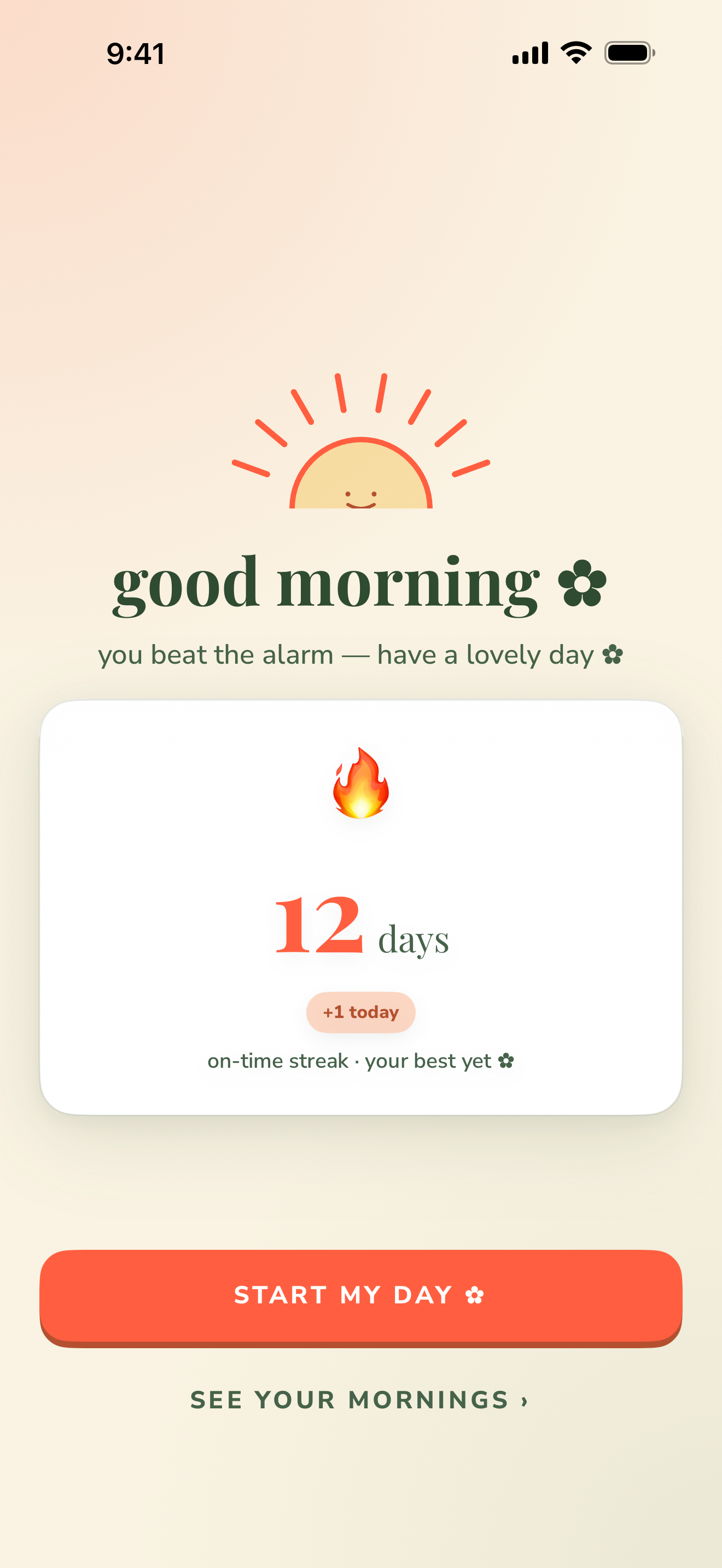
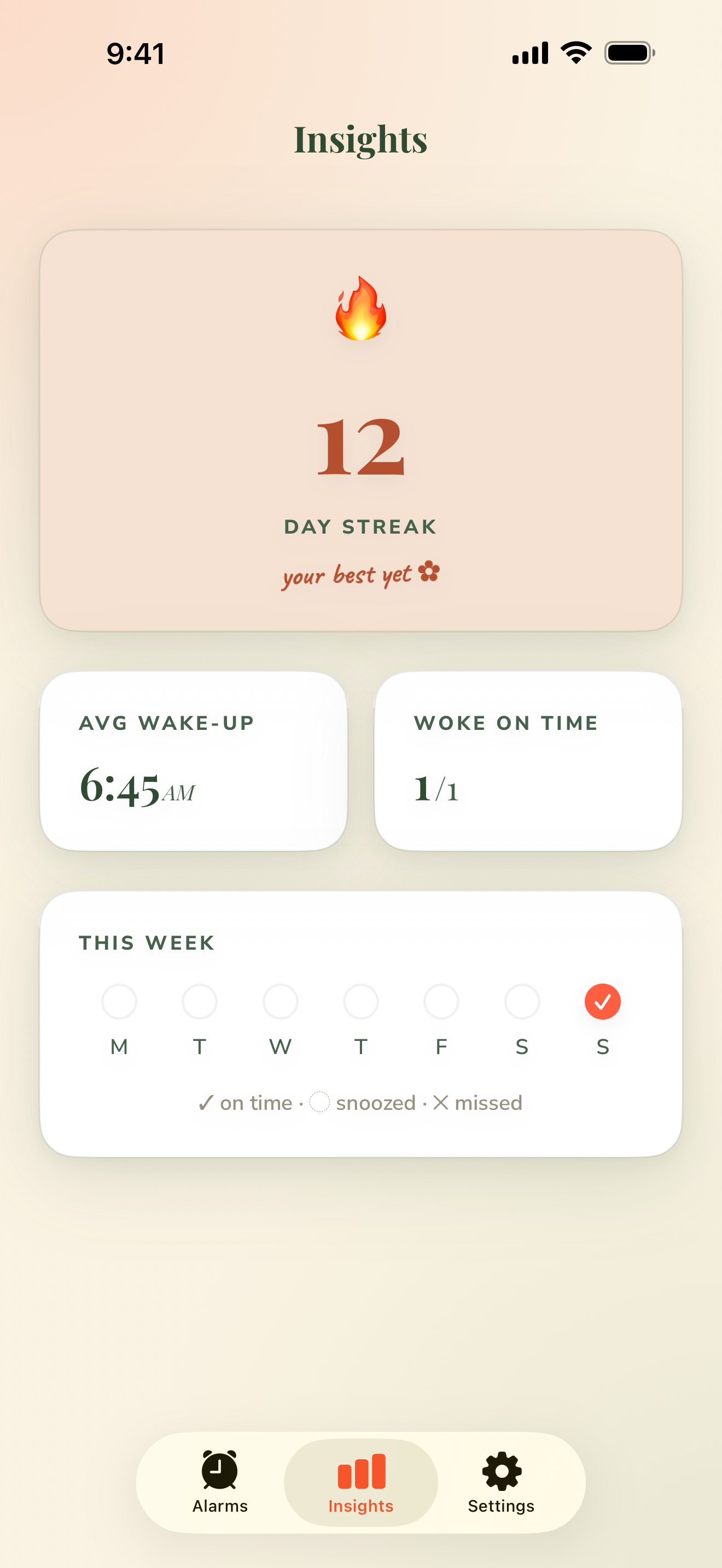
wake with a mission ✿
pick your mission ✿
set it the night before ✿
no cheating past this ✿
you beat the alarm ✿
see your mornings ✿
Good questions
The stuff you're wondering.
Is it really impossible to cheat?+
There's no snooze that skips the task, and the difficulty is locked the night before. The only way out is finishing the mission — or the Panic Exit, which is always there for genuine emergencies.
What about an actual emergency?+
Every ringing screen has a Panic Exit. Safety comes before any mission — Wake Boom will never trap you when it matters.
Are my photos private?+
The photo mission is opt-in. If you use it, a single reduced-resolution copy — with location and other metadata stripped on your device first — is sent for a pass/fail check, then discarded immediately. Photos are never saved to your camera roll, stored, or sold. Prefer not to? It falls back to a math problem.
Will it work with silent mode or a Focus?+
Wake Boom schedules alarms as iOS notifications. Make sure notifications are allowed (Settings → Notifications → Wake Boom), and that a Focus or Do Not Disturb schedule isn't silencing it.
Is it free?+
Free to download, with the core alarm included. Wake Boom Premium unlocks every mission and difficulty, custom alarm sounds, and your insights, streaks & history — $6.99/week or $39.99/year. It auto-renews and you can cancel anytime.
Do I need an account?+
No. There's no login and no profile — your alarms and settings live on your device. See the Privacy Policy for the details.
rise and shine ✿
An alarm you can't out-argue.
Set the challenge tonight. Get up for real tomorrow.